Minor bug: I tried opening the WebP screen shots in another tab so I could zoom and see them more clearly, and it does not work. Chrome renders the WebP image data as text, and Safari prompts you to download it. This appears to be because the web server is not returning a `Content-Type` header for these URLs:
Minor suggestion. I found this because the UI looked cool and I wanted to see a more zoomed in view of it. But right now the "Take control of your network today" is the only place with a really readable view of the UI. Perhaps add a gallery of screen shots, showing off different features?
Really cool to see this come back after the first pass. I always wonder if an interesting project will be seen again after someone asks for feedback. I'm really happy that you're back to show progress on this and will give it a test run tomorrow to maximize the seven day demo.
I chose this particular point to comment to further encourage a screenshot gallery and to mention that Help is a section I'm unlikely to open unless I'm learning about an API. Just wanted to share why I wouldn't have found that screenshot without you pointing to it.


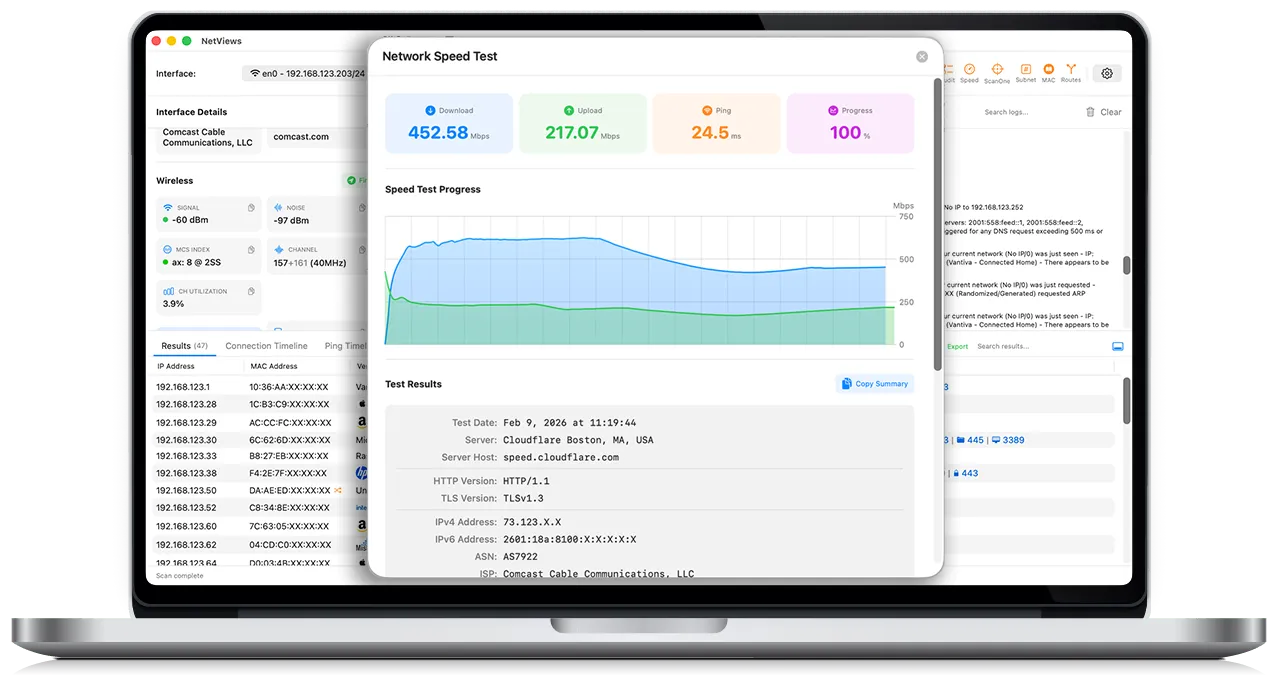
Minor bug: I tried opening the WebP screen shots in another tab so I could zoom and see them more clearly, and it does not work. Chrome renders the WebP image data as text, and Safari prompts you to download it. This appears to be because the web server is not returning a `Content-Type` header for these URLs:
curl --head https://www.netviews.app/_astro/ss7.D8bYvHF6_1awjYx.webp
EDIT: Fixed! I see a Content-Type header now